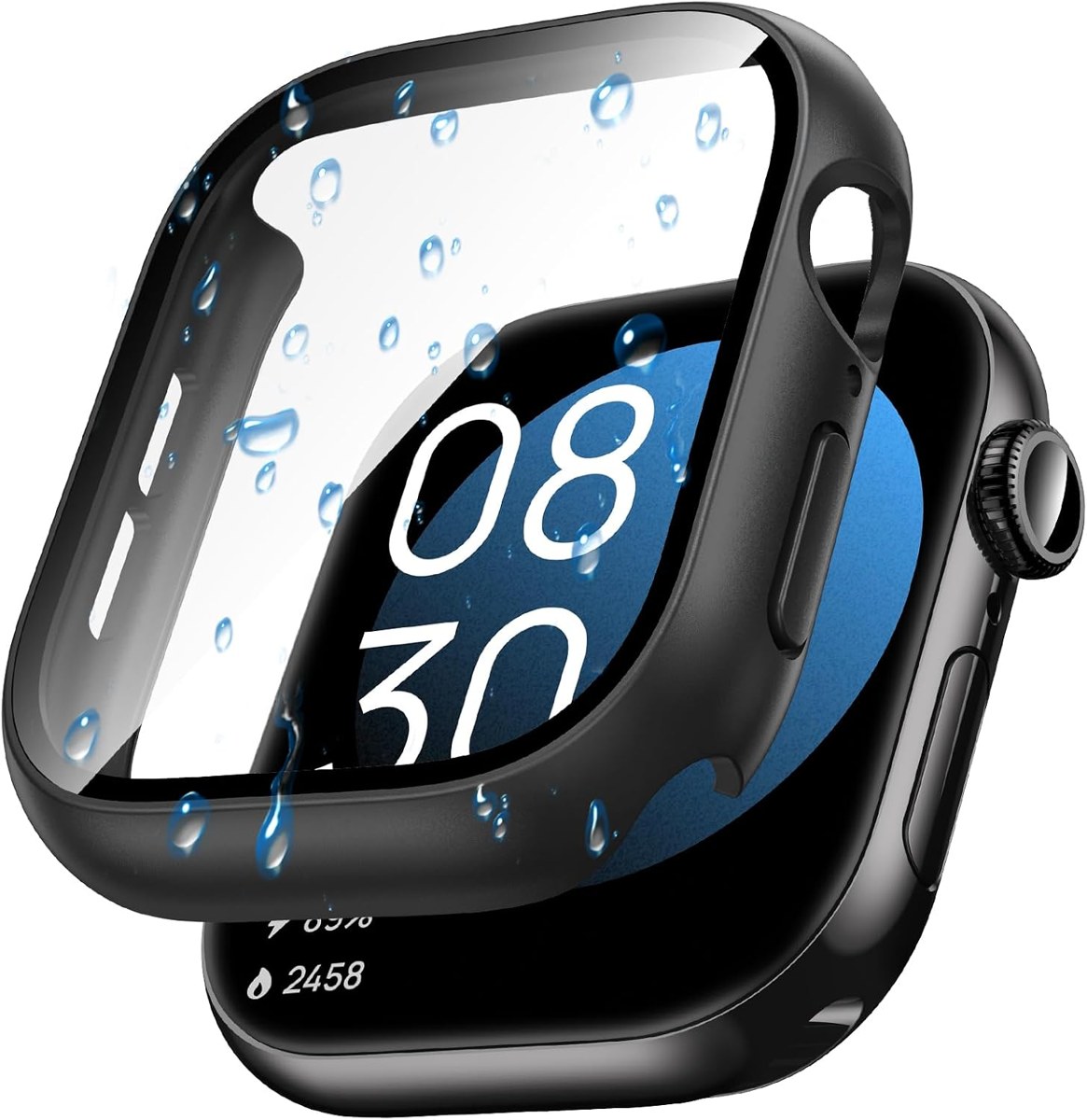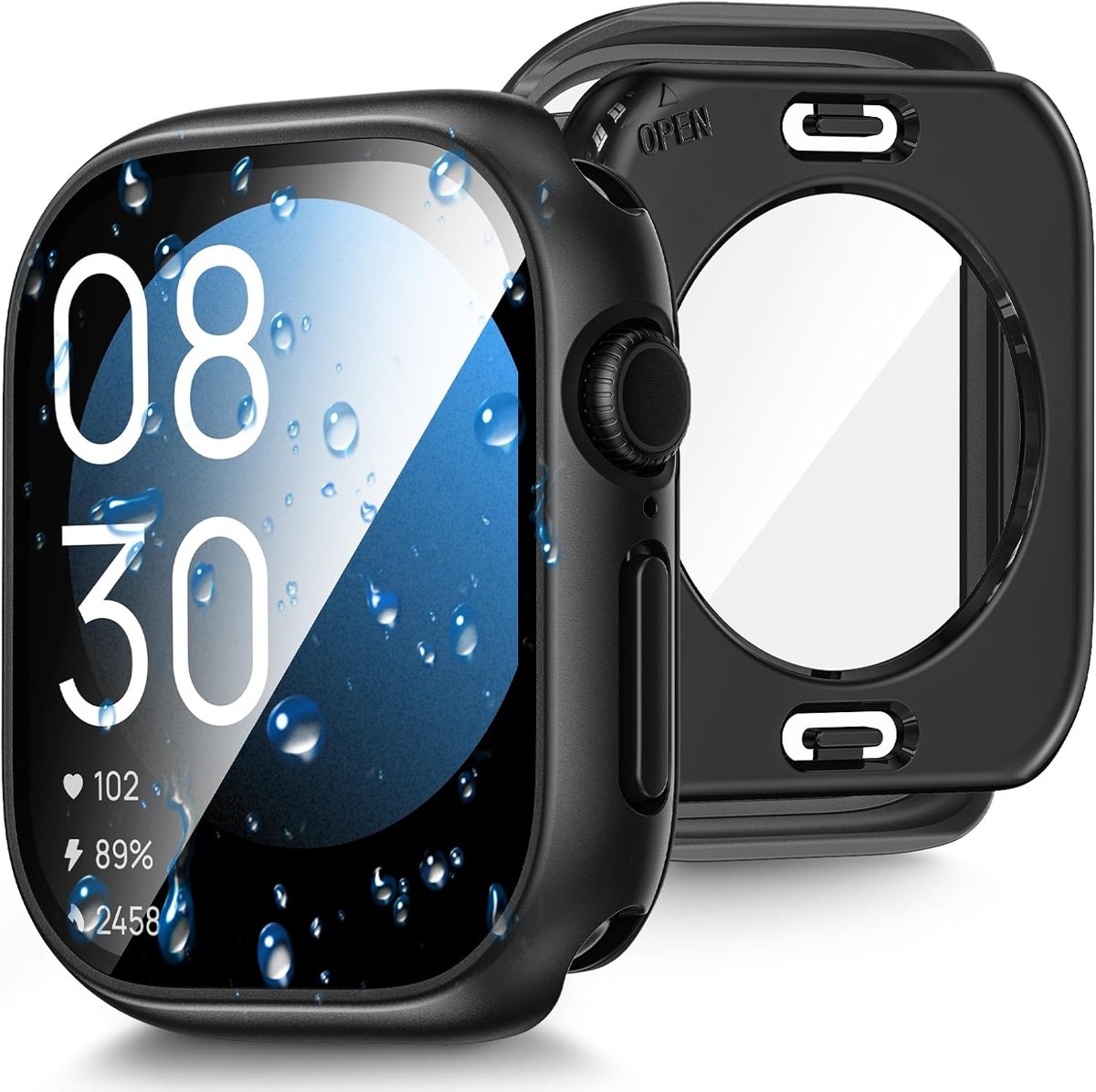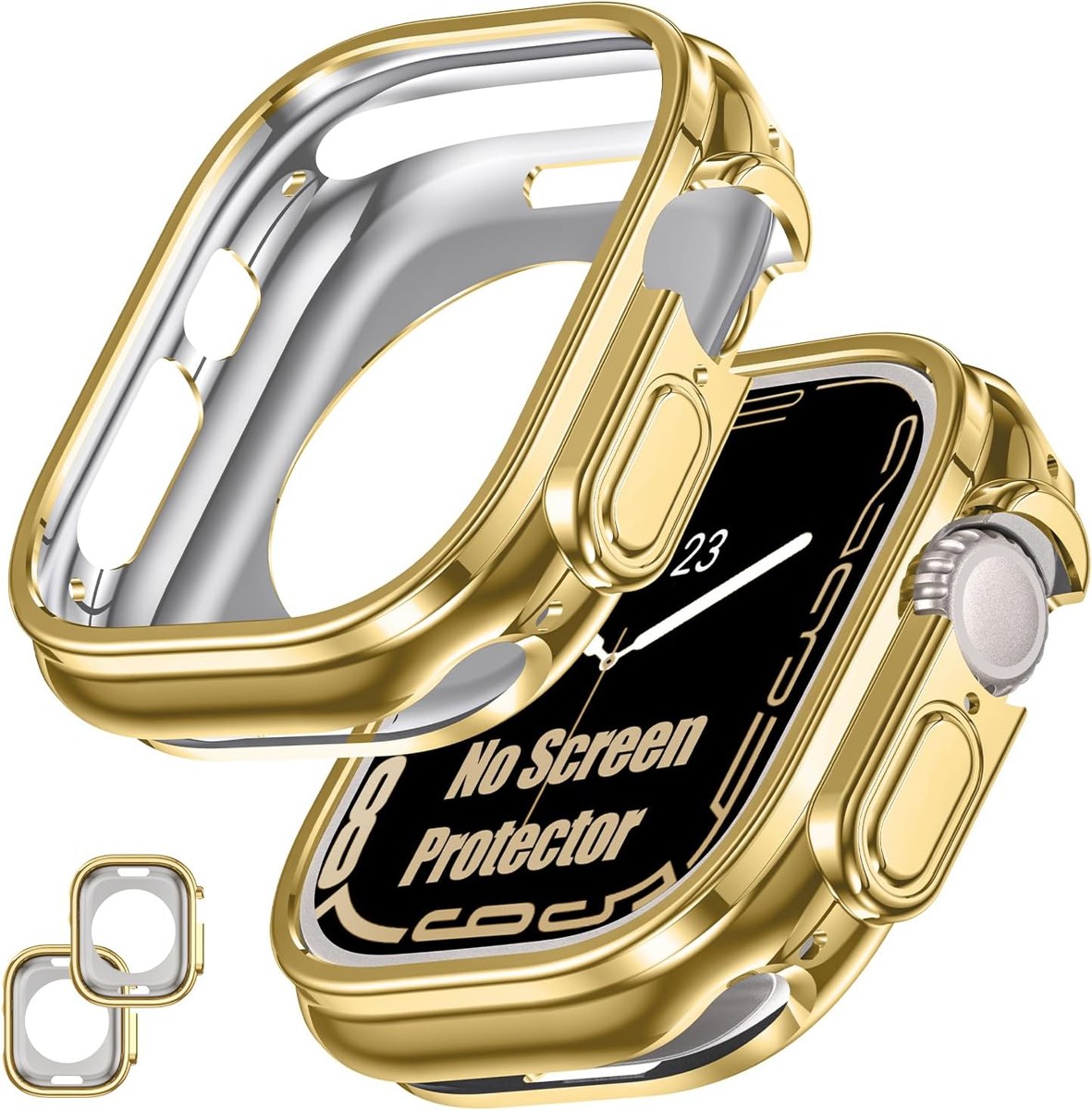
How to find your Apple Watch size and series
A case that is one millimetre off will not snap on. Two facts decide the fit: the case size and the series.
Read the back
Turn the watch over. Around the sensor the case size is engraved — 40mm, 41mm, 42mm, 44mm, 45mm, 46mm or 49mm — together with the material.
Check the series
Open Settings › General › About on the watch, or the Watch app on the iPhone. The model name tells you the series. It matters because sizes repeat across generations with different shapes:
- 40mm and 44mm: Series 4, 5, 6 and SE.
- 41mm and 45mm: Series 7, 8 and 9.
- 42mm and 46mm: Series 10 and 11 (Series 12 46mm is different again).
- 49mm: Ultra, Ultra 2, Ultra 3 and Ultra 4.
- 38mm and 42mm (old): Series 1, 2 and 3.
Then pick the case
Every Goton listing names the series it fits. If your watch is a Series 9 45mm, choose the 45mm Series 9/8/7 option — not the 46mm, even though the screens look similar.